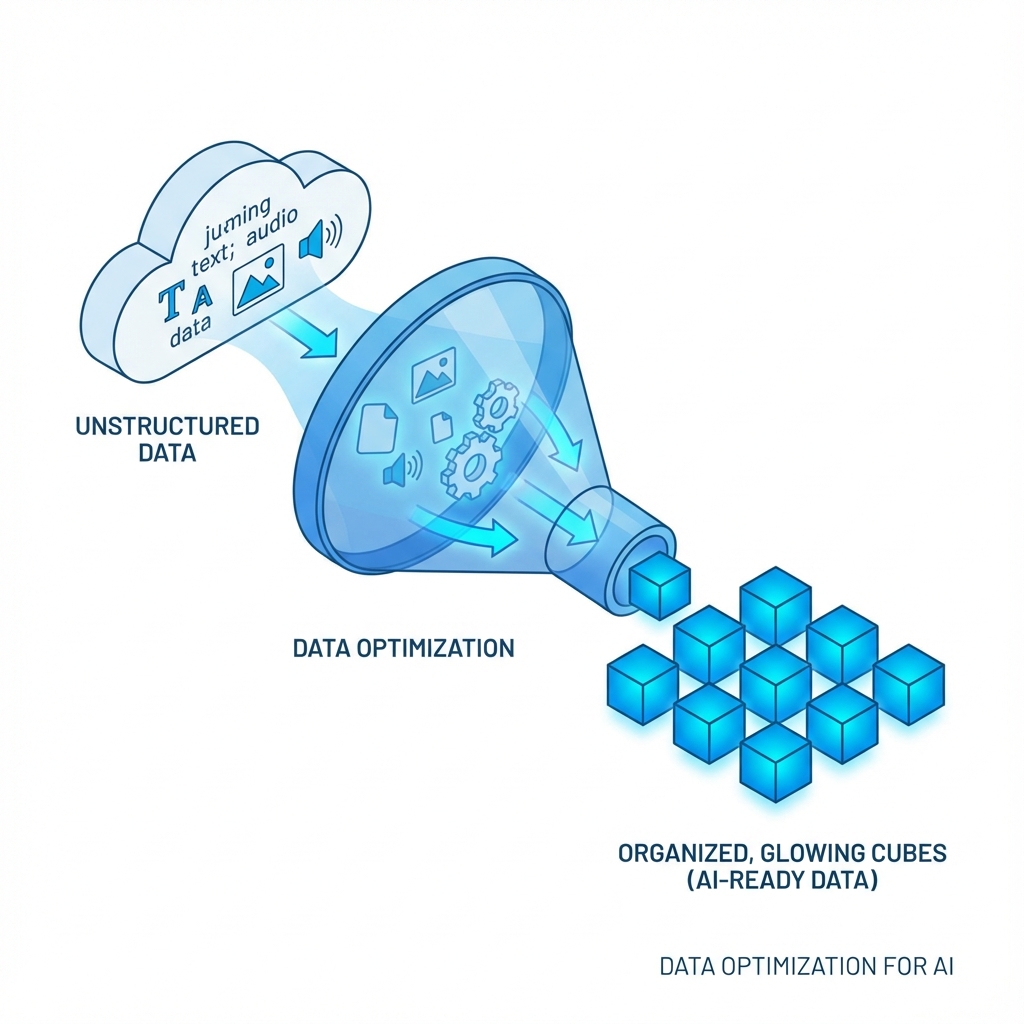
How to Optimize Your Product Feed for ChatGPT Recommendations
In the era of Google, "Keywords" were king. In the era of ChatGPT Merchants, "Context" is king.
When a user asks ChatGPT, "I need a durable backpack for a 3-day hiking trip under $100," the AI doesn't just look for "backpack." It looks for attributes: "durable," "hiking," "3-day capacity (30-50L)," and "price < $100."
If your product feed only says "Blue BackPack - One Size," you remain invisible. Here is how to optimize.
1. Description Density & Context
Standard descriptions (e.g., "Made of polyester") are insufficient. You need Contextual Descriptors.
- Bad: "Water-resistant material."
- Good: "Storm-grade water resistance suitable for heavy rain and alpine conditions."
Why? The AI matches the scenario ("alpine conditions") to the user's need.
2. Structured Data is Non-Negotiable
ChatGPT relies heavily on structured data schemas (JSON-LD). Your feed must explicit define:
usage_scenario: [Camping, School, Commute]target_audience: [Beginner, Pro, Kids]compatibility: [Laptop 15-inch, Water Bladder]
At Devstract, we use Python-based NLP scripts to automatically enrich your existing CSV feeds with these high-value tags before sending them to the Merchants API.
3. Real-Time Availability Sync
ChatGPT hates lying to users. If your API connection has a latency of >5 minutes, and the AI recommends a sold-out item, your "Trust Score" plummets. We recommend a WebSockets connection over standard REST polling to ensure millisecond-level inventory accuracy.
4. Sentiment Analysis Integration
The AI also reads reviews. If your product has 5 stars but the text says "Good but zipper broke," the AI knows. We help brands aggregate positive sentiment key-phrases ("High durability," "Best value") and inject them into the product metadata, reinforcing the AI's confidence in recommending you.
Conclusion
Optimization is no longer about keyword stuffing. It's about data clarity. The brands that speak the AI's language will own the shelf.